

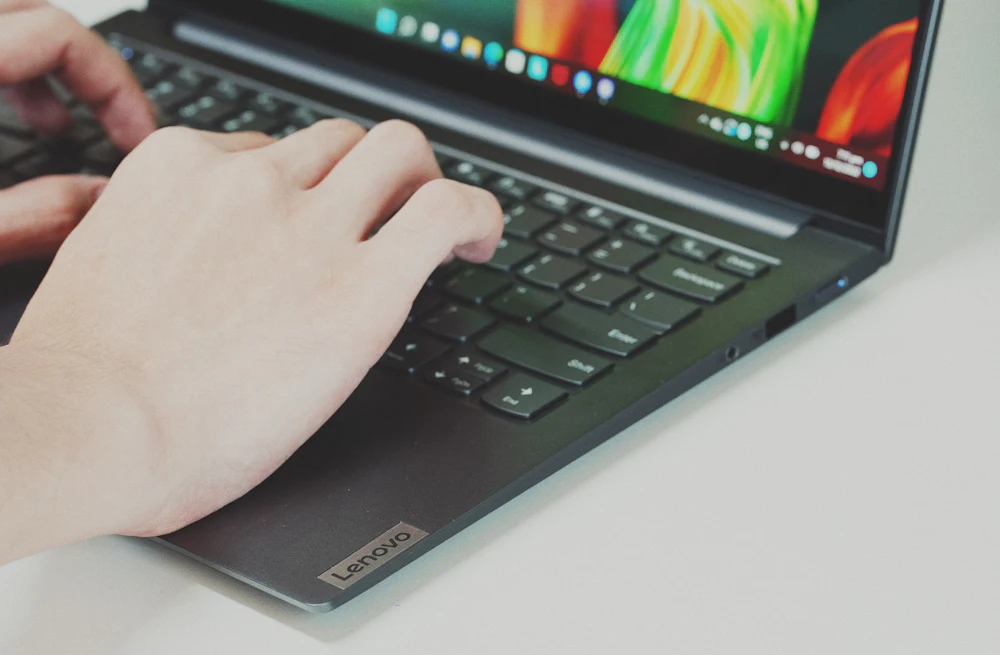
Lenovo’s US shopping FAQ lists 30 calendar days from the invoice date for Lenovo.com returns, 14 for Lenovo Outlet and 45 for LenovoPRO. Start through Order Lookup and use the approved return authorization and label. Eligible ordinary returns are free, while server/storage, larger PC orders and late submissions have stated fee exceptions. These are direct-purchase rules. A Lenovo laptop bought from another retailer follows that seller’s return process.
How long do I have to return a Lenovo.com order?
Lenovo’s US shopping FAQ lists 30 calendar days from the invoice date for Lenovo.com returns. Locate the invoice before calculating your deadline. Delivery may happen later, and counting from the day you opened the laptop can give you the wrong date.
Start the request through Order Lookup while the purchase is within its applicable period. Keep the invoice and return confirmation together. The ordinary consumer deadline should not be applied automatically to Outlet, LenovoPRO or Motorola transactions, because the same FAQ gives those channels different periods.
Does Lenovo Outlet have the same return window?
No. The FAQ lists 14 calendar days from the invoice date for Lenovo Outlet. An Outlet purchase therefore needs an earlier decision than an ordinary Lenovo.com order. Check the sales channel shown on the invoice rather than relying on the model name or the condition of the computer.
Inspect and test the purchase promptly so you have time to report a problem and arrange the return. A discounted ThinkPad sold through Outlet does not gain the standard website period merely because the same product family also appears in Lenovo’s regular store.
What is the LenovoPRO return period?
The official FAQ lists 45 calendar days from the invoice date for LenovoPRO. Check that your transaction actually belongs to that channel before using the longer window. Buying a computer for work does not, by itself, prove that you placed a qualifying LenovoPRO order.
Larger purchases and certain product types can still carry the fee exceptions described below. Keep the business order’s invoice and quantity details available when asking about a return. If your organization has negotiated terms, review the agreement for that actual order instead of treating a general consumer summary as the complete contract.
Are all Lenovo returns free?
The FAQ describes returns within the applicable channel period as free of shipping or restocking fees, subject to its listed exceptions. Use Lenovo’s authorized process and supplied label rather than assuming the retailer will reimburse postage you bought independently.
Check the item type, order quantity and timing before describing your own return as free. A single ordinary personal computer within its period is different from a server, a large PC order or a late submission. If the order arrived wrong, identify that error when requesting help because the fee exception explicitly distinguishes Lenovo’s shipping or configuration mistakes.
When can a 15% restocking fee apply?
The stated exceptions include server and storage products, personal-computer orders exceeding five units, and products submitted outside the applicable invoice-based period. Lenovo lists a 15% restocking fee plus return shipping and handling for those cases, unless it shipped the wrong product or made an error in the ordered configuration.
For illustration, 15% of a $1,000 price is $150 before any applicable shipping and handling. That example explains the percentage. It is not a quote for your order. Ask support to identify the specific exception before agreeing to a charged return.
Does the fee language mean Lenovo guarantees late returns?
No. Do not treat a listed charge for out-of-period submissions as automatic approval of any late product. Ask order support to review the invoice, item and proposed return before shipping when your ordinary window has already passed.
A working label or an old return address is not a substitute for authorization. If support approves a late return, keep the confirmation and any fee calculation with your order documents. This separates a discretionary resolution for your purchase from a general promise that every customer can return indefinitely by paying 15%.
How do I request a Lenovo return authorization?
Start in Order Lookup using the purchase information associated with the order. Lenovo calls the authorization an RMA, or Return Merchandise Authorization. The FAQ says that, once processed, an email should arrive within 48 hours containing the RMA, shipping label and next steps.
Make sure the requested items match what you intend to send. Keep that email until the refund is complete. If it does not arrive, check the email account used for the purchase and contact order support rather than creating your own warehouse shipment without an authorization connected to the order.
How long do I have to ship after receiving an RMA?
Follow the deadline and instructions supplied with your particular authorization. The checked shopping FAQ gives the channel’s invoice-based return periods and explains the label process, but it does not provide one universal extra shipping grace period for every RMA.
Read the email before booking a handoff, especially when you requested the return near the end of the purchase window. If the timing is unclear, ask support to confirm it using the authorization number. Do not infer that an email generated later restarts the original 30-, 14- or 45-day decision period.
What packaging and accessories must I return?
Lenovo’s instructions call for the original box, accessories and packaging. Check for the charger, included cables and any other components from the order before sealing the parcel. A computer in good condition can still be an incomplete return if its supplied accessories are missing.
Attach the authorized shipping label without covering an applicable battery-warning label. Use the instructions for the actual product, particularly if the original carton contains handling markings. If the box arrived damaged or is no longer available, ask support how to package the item instead of guessing which parts of the original packaging can be omitted.
Where should I drop off the return?
The FAQ directs customers to a UPS location using the supplied return shipping label. It also requires the UPS handoff to take place in the original delivery country: a US delivery should be returned through a US UPS location.
Traveling with the laptop does not automatically create a permitted international return route. If you are abroad, ask Lenovo about the situation before handing the package to a carrier. Keep the acceptance receipt and tracking number after drop-off. Creating a label does not prove the carrier received the product or that the warehouse has inspected it.
What should I do with personal data before returning a computer?
Back up the files you need and remove your personal accounts and data before surrendering the device. This is practical privacy preparation, rather than a claim that the FAQ prescribes a particular erase procedure. Use the reset instructions appropriate to the model and operating system.
Do not delete the only copy of important files while rushing to meet a deadline. If the device will not start or a hardware fault prevents a reset, tell Lenovo before shipping and ask how to handle the data issue. Keep that conversation separate from the invoice and refund questions.
What if Lenovo shipped the wrong item or configuration?
Report the discrepancy promptly with the order number and a clear comparison between the invoice and what arrived. The FAQ distinguishes a wrong product or Lenovo configuration error from the circumstances that normally trigger its 15% fee exception.
Photograph the product identifiers and retain the packaging so support can understand the shipment. Do not modify the computer to make it resemble the configuration ordered before reporting the issue. Ask Lenovo to confirm the authorized remedy and any costs for that specific error rather than processing it as an unexplained change-of-mind return.
How do I handle damage or a technical fault?
Lenovo asks customers to inspect packages carefully and report issues within the applicable return period. Save photographs and describe whether the problem involves transit damage, missing components or the way the computer functions. Those facts help the team identify the right route.
For troubleshooting or warranty questions, Lenovo’s contact page directs you to Technical Support. An existing-order return goes through Order Lookup or order support. A repair conversation should not be assumed to extend an invoice-based return deadline. If you want a refund rather than troubleshooting, make that request clear while the return period is still open.
Can I cancel or refuse delivery instead of arranging a return?
Use Order Lookup to request cancellation before the order becomes ineligible. The FAQ says items that have shipped or entered manufacturing cannot be canceled, and electronically delivered software cannot be canceled. A cancellation request is reviewed, with an email telling you whether it succeeded.
Lenovo also asks customers not to refuse delivery as a substitute for its return process. It says receiving the product and returning it with an RMA is the efficient way to handle the refund. Do not assume a refused shipment will be processed like a properly authorized return.
How long does a Lenovo refund take?
The FAQ asks customers to allow five to ten business days for Lenovo to receive the parcel, inspect the merchandise and issue the refund to the original payment method. It then allows another two to ten business days for the bank or payment provider to transmit the funds.
These are separate stages, so a carrier delivery scan does not prove a credit should already be visible in your account. Keep tracking and the refund confirmation. If the process stalls, ask which stage is incomplete before assuming the entire delay belongs to either Lenovo or the bank.
Who can help with exchanges, seller questions or holiday timing?
Lenovo’s official order-support page lists 1-855-253-6686, option 3, for home orders and 1-866-426-0911, option 3, for business orders. Ask about the outcome for your actual purchase. The checked FAQ does not promise a universal direct size-or-model exchange.
For a Lenovo product bought from another retailer, start with that seller’s return policy. A holiday price-match promotion is also different from a return extension. For holiday purchases, check the return deadline in your order terms or ask Lenovo support to confirm which invoice-based window applies.
Need help with a return?
More electronics return policies
- Apple15 questions answered
- AT&T15 questions answered
- B&H Photo Video16 questions answered
- Best Buy16 questions answered
- Dell15 questions answered
- GameStop15 questions answered
Citations
Sources reviewed November 12, 2026. If Lenovo updates its rules, its current policy applies. See how we verify.